 Sport CRM
QR check-in
Mark children present at the door by scanning their QR code, from a coach's phone, the front desk's computer or the app.
Für: Trainer, Manager, Eltern
Every player has a QR code of their own. The child shows it at the door, the coach or the front desk scans it, and the child is marked present at the session. No list, no tapping next to each name.
Where the code is
- Parents find it in the family portal: open the child, the Check-in QR block. In the app it is on the child's page in the My children tab. Show it from the phone, or click Print.
- The club sees the same code on the player's profile, in the Check-in QR block: print it for a membership card or a badge.
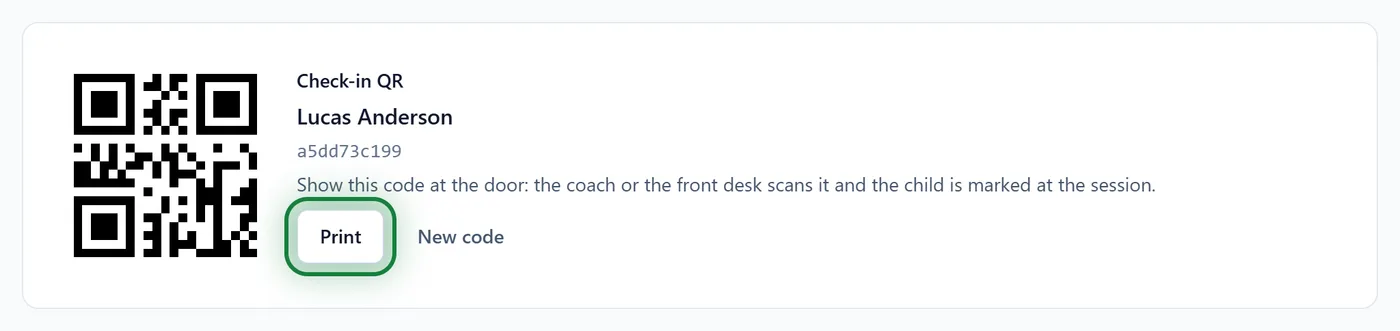
Scanning
At a session
Open the session in the Schedule and click QR check-in.
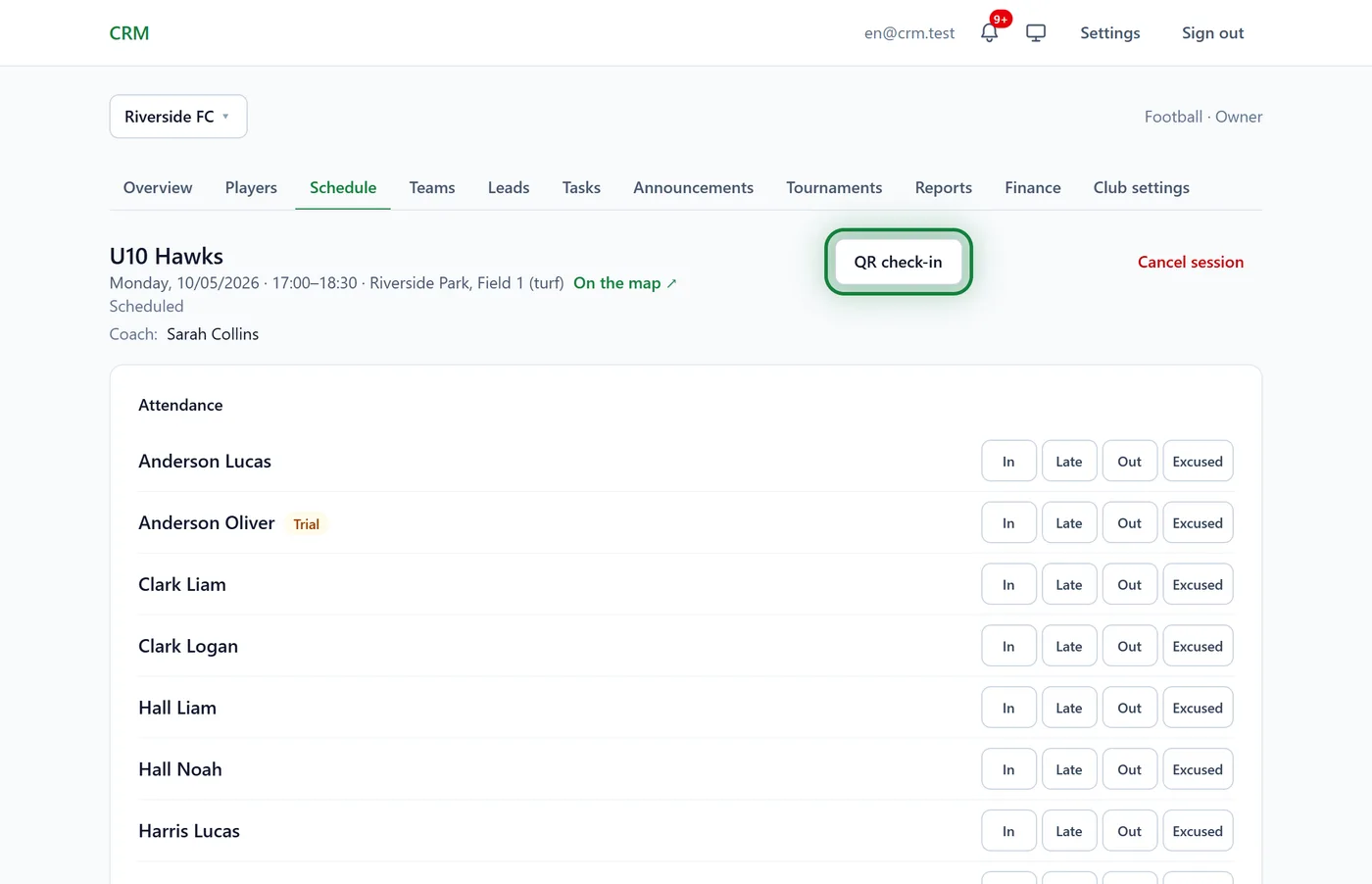
Click Turn the camera on and point it at the code. Each player scanned is marked present at this session at once, and a line appears under the camera: "Surname Name is present".
At the door (several groups)
In the Schedule, click QR check-in at the top, without picking a session. Each player is marked at their own nearest session: from an hour before it starts to three hours after.
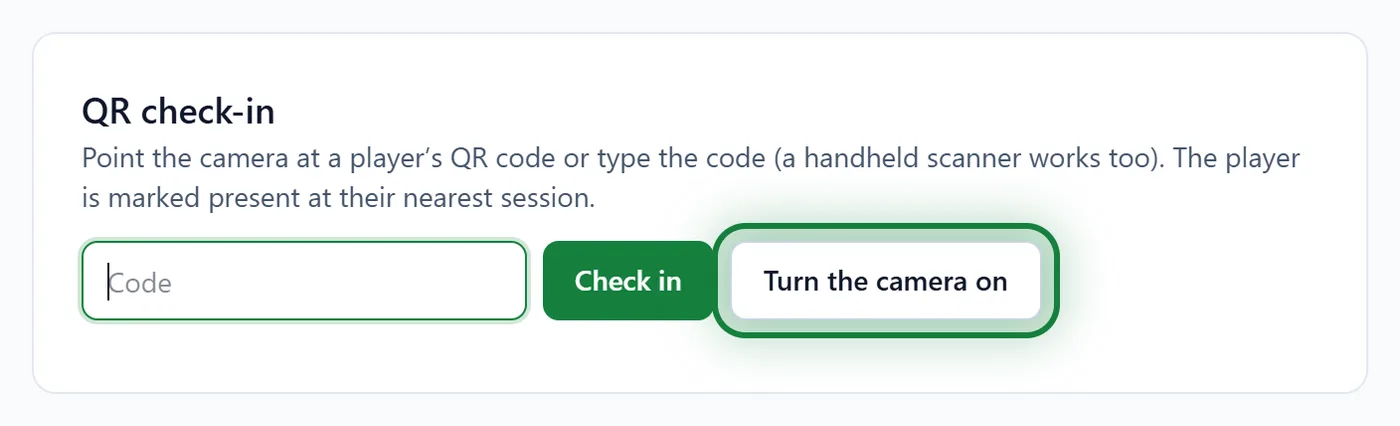
In the app
Menu → QR check-in, or the QR check-in button on a session page. The app asks for the camera: tap Allow.
What a scan tells you
- is present: marked, and the session counts as held;
- is already marked: this player was marked before, nothing changed;
- not from this group: the player isn't on this session's roster, and Sport CRM asks whether to mark them here anyway;
- no session around now: the player has no session today in that window;
- No such code in the club: the code is from elsewhere, or an old one.
Tips
- A code lost, or seen by strangers? A manager clicks New code on the player's profile, and the old QR stops working.
- The team's coach, managers and the owner can scan.
- QR check-in is there only while the club keeps attendance.
FAQ
Can QR mark someone late?
No: QR only marks "present". Mark late arrivals or excused absences by hand in the session's list; see Take attendance.
The children have no phones. How do they show a code?
Print the QR from the player's profile with Print and stick it on a card, a badge or a bag.
Does it work offline?
A scan sends the mark at once, so it needs a connection. Without one, mark attendance by hand in the app: the marks go out later.