 Sport CRM
Two-factor sign-in and password
Turn on two-factor sign-in with a code from an app on your phone, turn it off, and change or reset your password.
Per a: propietari, gestor, entrenador, famílies
Two-factor sign-in: after the password, Sport CRM asks for a six-digit code from an authenticator app on your phone. Even if someone learns your password, they can't get in without your phone.
Who can
Anyone, for their own account. Strongly advised for owners and support, who see the whole club's data. Until they turn it on, the club's overview reminds them: "You manage the club's data: protect your account with two-factor sign-in."
Turn on two-factor sign-in
You need an authenticator app on your phone: Google Authenticator, Microsoft Authenticator, 1Password or another.
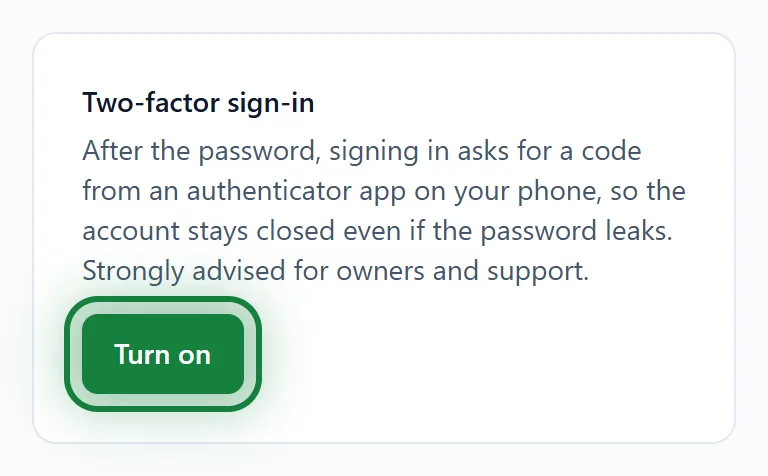
In the browser, open Settings (the link at the top of the page). Find the Two-factor sign-in card and click Turn on.
A QR code and a key appear. Scan the QR code with the authenticator app, or type the key in.
Enter the six-digit code the app shows in Code from the app and click Confirm and turn on.
Done: "Two-factor sign-in is on." The card now says "On: signing in asks for a code from the app".
Signing in from now on
After the password (or signing in with Google or Apple) comes the Verification code page. Open the authenticator app, enter the code for Sport CRM and click Confirm. The Sport CRM app works the same way.
Two-factor sign-in is turned on in the browser only; signing in with a code works in both the browser and the app.
Turn it off
Settings → Two-factor sign-in → Turn off, and confirm. Signing in asks for the password only again.
Change or reset your password
- On the sign-in page click Forgot your password?.
- Enter the email you sign in with and click Send the link.
- Open the email and follow the link; it works for an hour.
- Enter the New password and Repeat the password, then Save the password.
A password needs at least 8 characters with letters and digits, not a sequence like 12345678 or qwerty, and not your email. In the app, Forgot your password? opens the same page in the browser.
Sign in with Google or Apple? You don't need a Sport CRM password.
FAQ
It says "The code does not match"
Codes change every 30 seconds and depend on your phone's clock. Turn on automatic time in the phone's settings and try a fresh code.
I lost the phone with the authenticator
You can't sign in without the code. Write to us from the account's email and we'll help you get back in.
The password reset email didn't come
Check your spam folder. The email only comes if there is an account for that address. The link works for an hour; if it's older, send a new one.