 Sport CRM
Data export and GDPR
Download all the club's data as Excel, get a copy of your own data, anonymise a player when parents ask for erasure, and how Sport CRM protects personal data.
For: owner, manager, parents
The club's data belongs to the club: you can take all of it in one file at any time. And each person, staff or parent, can download a copy of their account's data or delete the account.
Who can
- Export the club's data: managers and up.
- Anonymise a player: managers and up.
- A copy of your own data: anyone, for themselves.
All the club's data as Excel
Open Club settings → Data.
In the Export card click Download everything as Excel. The file is ready in a few seconds.
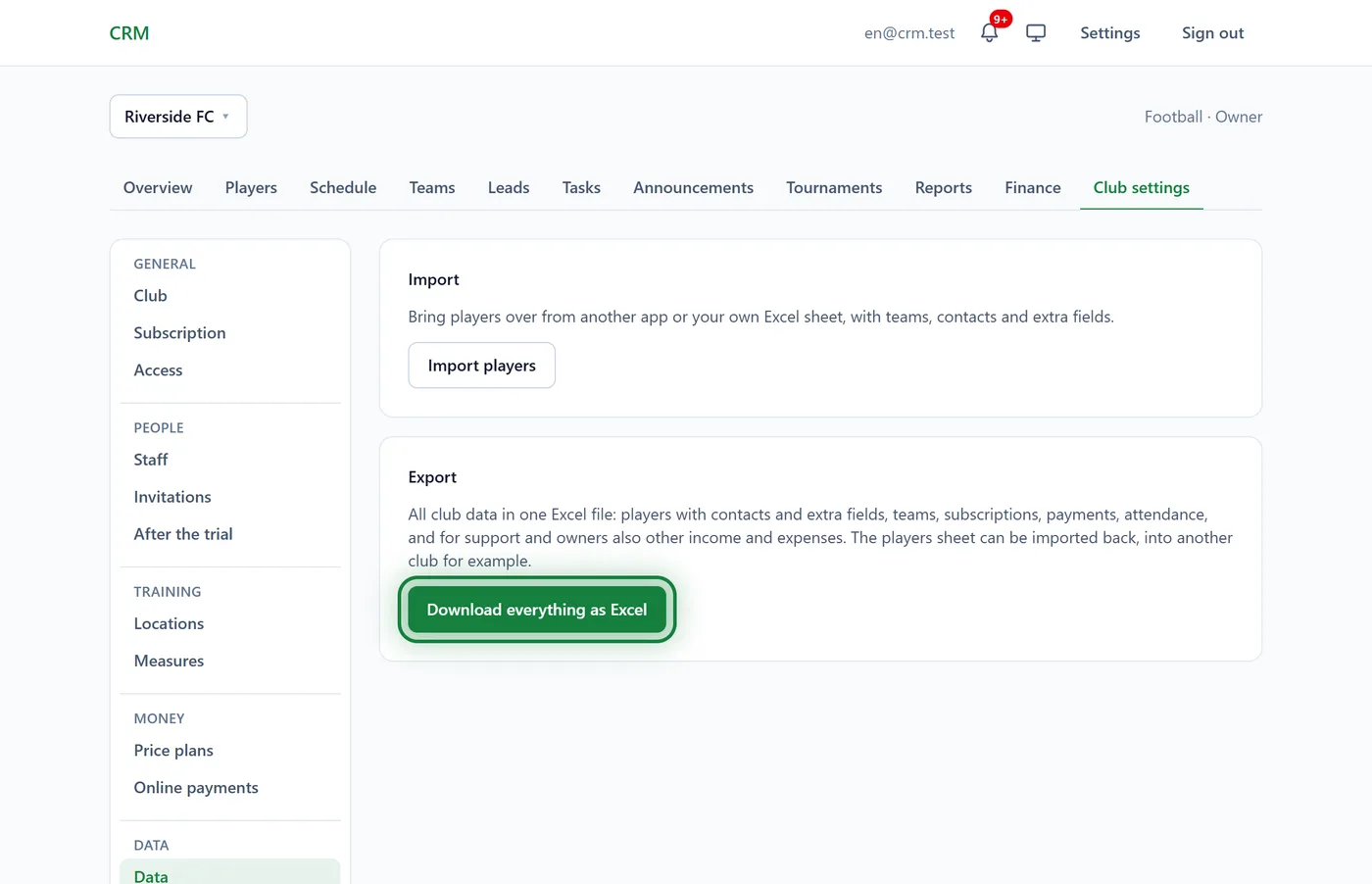
The file has a sheet for each: Players with contacts and custom fields, Teams, Subscriptions, Payments, Attendance, Charges. The owner and support with access to the finances also get Income and expenses, and with the inventory Stock, Stock moves and Lent out.
The Players sheet has the same columns the import reads, so the file can go back in, into another club for example: Import players from Excel. The export works in the browser, not in the app.
A copy of your data
Open Settings (the link at the top of the page) and find My data.
In the A copy of my data card click Download.
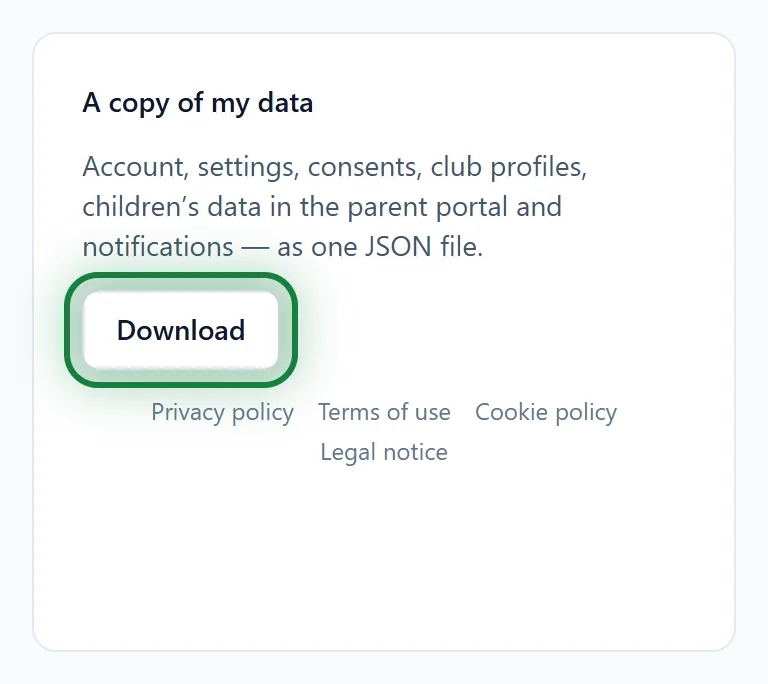
You get a JSON file: account, settings, consents, club profiles, children's data in the parent portal and notifications. In the app: Menu → Settings, the My data block.
Anonymise a player
Parents ask for their child's data to be erased, but the player can't be deleted because of payments? Anonymise them.
Open the player's profile. At the bottom is the Anonymise card.

Click Anonymise and confirm.
Name, date of birth, contacts, notes and documents are erased for good. Contact people (unless they have other children in the club), leads and tasks about the player are deleted. Payments, subscriptions and attendance stay for the books, without a name. This cannot be undone.
How we look after data
- Everyone sees only what their role allows: see Roles and permissions.
- Parents see only their own children; fields the club doesn't show parents never reach the portal.
- Card details from online payments never reach Sport CRM.
- The documents (Privacy policy, Terms of use, Cookie policy) are linked under the Download button.
FAQ
Parents ask what the club keeps about them
Parents download their own copy under Settings → My data. The child's data in the club is the club's: if parents need more, the club can export its data and pass on what's needed.