 Sport CRM
Deleting your account
Delete your Sport CRM account for good, what stays in the clubs afterwards, and what an owner who runs a club alone does first.
Para: propietario, gestor, entrenador, familias
You can delete your account at any time, without writing to support. It's for good: the account can't be brought back.
Who can
Anyone, staff or parent, for their own account. An owner who runs a club alone decides what happens to the club first (see below).
Before you delete
- Want a copy? Download it first: Settings → My data → Download. See Data export and GDPR.
- Owners: export the club's data as Excel; once the club is deleted, it's gone.
Delete your account
Open Settings (the link at the top of the page) and find My data.
In the Delete account card, type your email into Account e-mail.
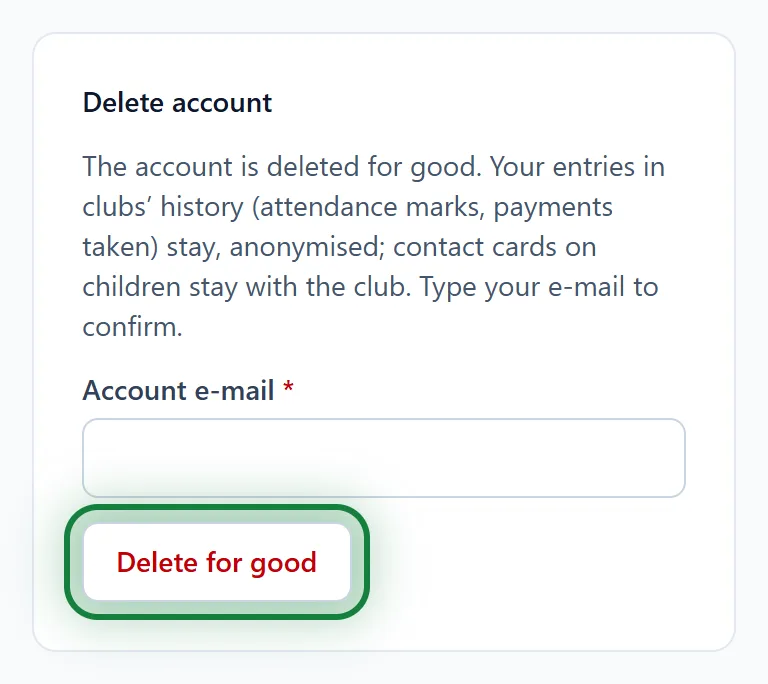
Click Delete for good and confirm: "Delete the account for good? This cannot be undone."
In the app
Menu → Settings, the My data block: type your email and tap Delete for good.
What stays in the club
- Your entries in clubs' history (attendance marks, payments taken) stay, anonymised: "Former staff member" instead of your name.
- Contact details on children's cards stay with the club: they are the club's data. To have them erased, ask the club to anonymise the player.
- Your acceptance of the terms is kept as proof, no longer linked to you.
If you are the club's only owner
You can't delete the account while you are a club's only owner: "You are the only owner of: … Delete the club in its settings first." There are two ways:
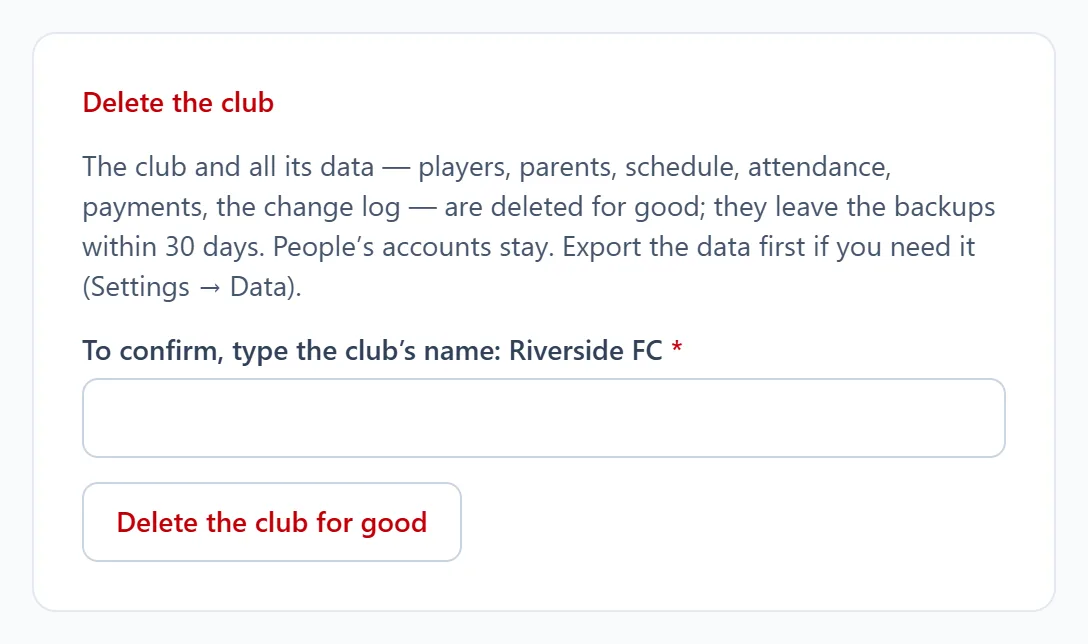
Delete the club. Club settings → Club, the Delete the club card at the bottom. Type the club's name and click Delete the club for good. The club and all its data (players, parents, schedule, attendance, payments, the change log) are deleted for good and leave the backups within 30 days. People's accounts stay.
Hand the club over. Should the club go on with another owner? Write to us and we'll help.
FAQ
I only want to leave one club
No need to delete the account: ask the owner or support to remove you from the staff. Parents: ask the club to close your access to the portal.
Can I sign up again with the same email?
Yes, but it will be a new, empty account: the old data doesn't come back.