 Sport CRM
Discounts and family payments
A discount on one subscription, an automatic sibling discount, and one payment split between the children of a family.
Voor: eigenaar, manager
Sport CRM has two kinds of discount: an amount off a single subscription when you sell it, and a standing sibling percentage that applies by itself. And when parents pay for all their children at once, one form splits the money between them.
Who can
Whoever sells a subscription can give a discount on it: anyone on the staff. The sibling percentage is set by the owner (and support, if allowed to see the finances). Anyone on the staff can record a family payment.
A discount on one subscription
The Sell a subscription form has a Discount field: an amount in the club's currency taken off the price. For a free place, enter the plan's full price. How to sell a subscription: Price plans and subscriptions.
Once sold, the discount can't be changed. If it was wrong, a manager cancels the subscription (Cancel) and sells it again with the right discount.
Sibling discount
Open Club settings → Price plans. In the Discounts block, fill in Sibling discount, % and click Save.
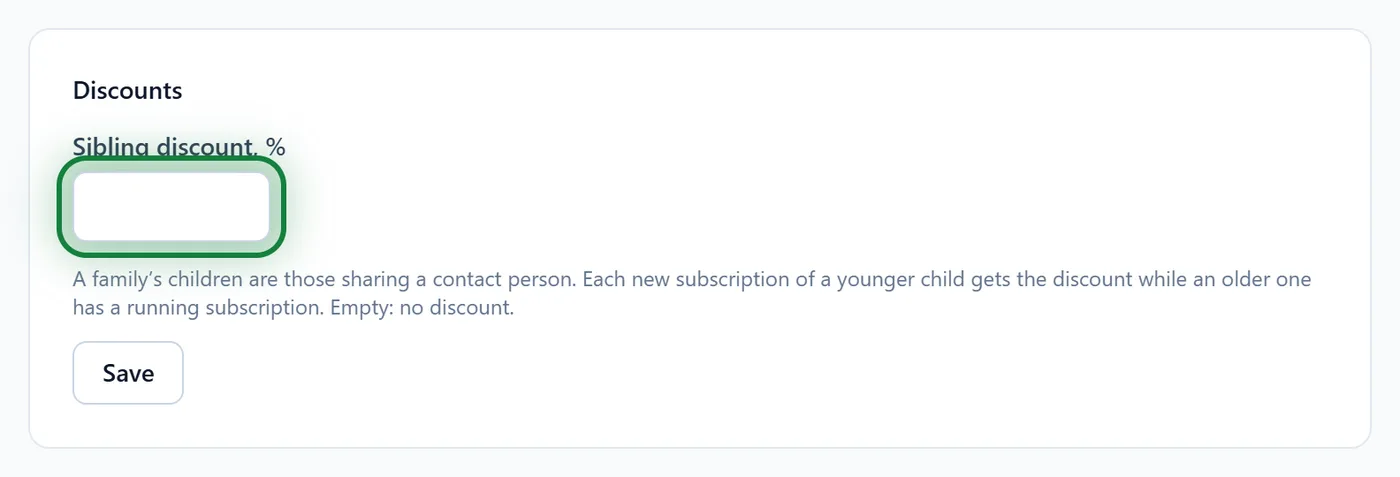
Children count as one family when the same contact person (their mother, say) is on both profiles.
The eldest pays the full price. Each new subscription of a younger child gets the discount if an older one has a subscription running on its start date. "Older" goes by date of birth or, without one, by who joined the club first.
When you sell, the form says "Sibling discount: 10%. It applies by itself unless you give another discount." Leave Discount empty and it applies.
Family payment
Parents brought one sum for two children? No need to record two payments by hand.
- Open either child's profile, the Subscriptions and payments tab. Next to + Record a payment, click Family payment. The button is there when the player has a brother or sister at the club.
- The form has a field per child, already filled with what each owes. Change the amounts if the parents paid differently; empty fields are skipped.
- Pick the Method and the Date and click Record a payment.
Each child gets their own payment on their balance, so every child's debt stays visible on its own.
Tips
- When you add a contact to the second child, pick the person who is already at the club under Who is it, not New person. Otherwise you get two separate contacts and the family isn't recognised.
- The sibling discount is a percentage of the plan's price, rounded to the cent.
- For other standing discounts (coaches' children, say), enter the amount at each sale and write why in the Note.
FAQ
The sibling discount didn't apply
Check three things: both profiles have the same contact person; the older child has a subscription on the new one's start date; Discount was left empty when selling.
Can I give a percentage off a single subscription?
The Discount field takes an amount. Work out the amount from the plan's price and enter that.
There is no Family payment button
The player has no brother or sister at the club sharing a contact person, or they are archived.