 Sport CRM
Online card payments
How a club connects Stripe so parents can pay a debt by card, Google Pay or Apple Pay in the portal, what it costs, and what parents see.
Per a: propietari, famílies
Parents see their child's debt in the portal and pay it there and then: by card, Google Pay or Apple Pay on Stripe's secure page. The money goes straight to the club's own Stripe account, and the payment records itself on the balance with the method "Online". Card details never reach Sport CRM.
Who can
The owner connects online payments (and support, if allowed to see the finances). Parents pay in their portal, in a browser or in the app.
What you need
- The club must be registered in one of the countries under Club's country: Spain, Portugal, France, Germany, Italy, the Netherlands, Belgium, Ireland, Austria, Poland, the United Kingdom or the United States.
- The club keeps subscriptions and debts in Sport CRM, and parents use the family portal: that is where they pay.
Connect Stripe
Open Club settings → Online payments. Pick the Club's country and click Connect Stripe.
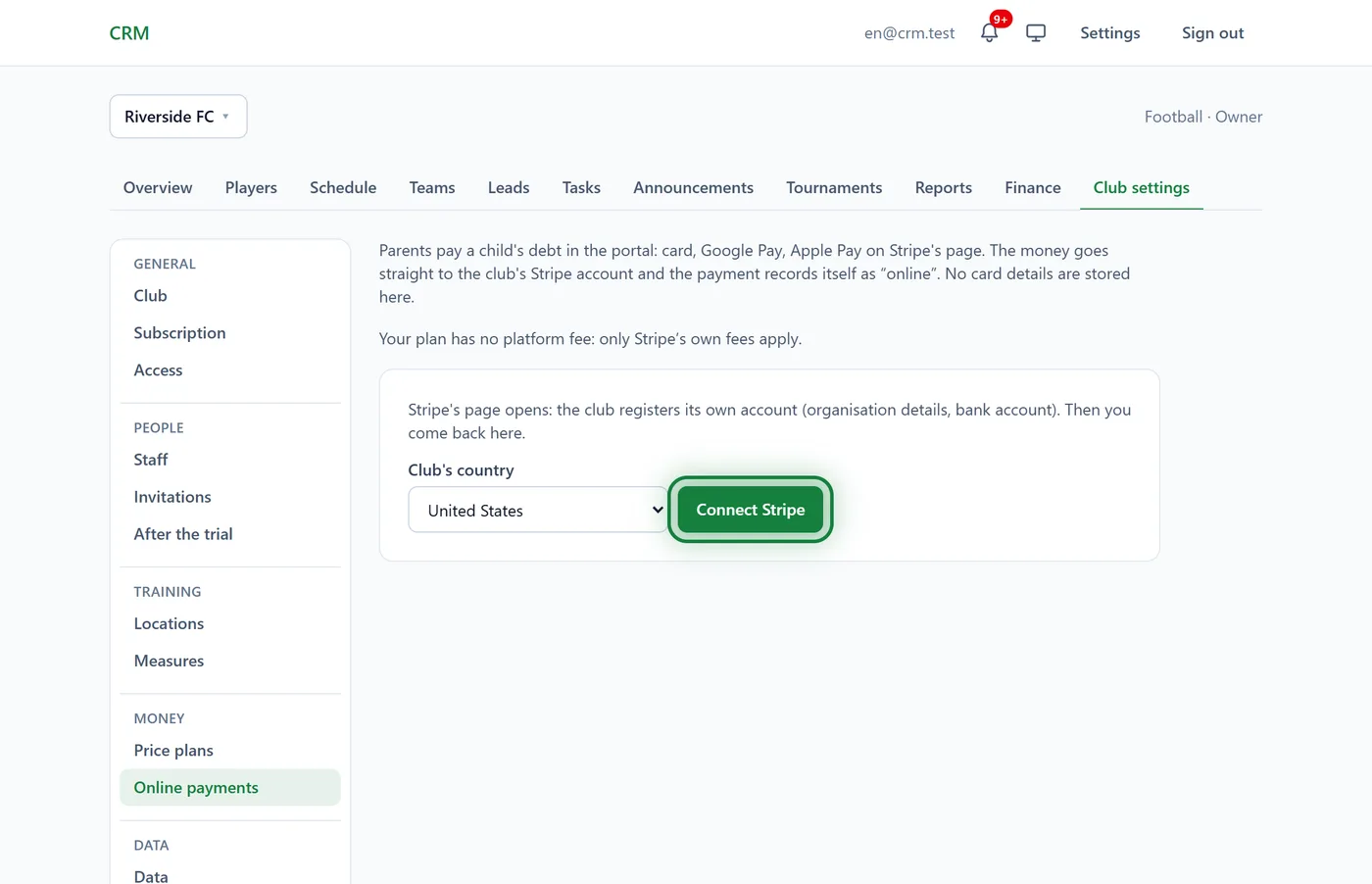
Stripe's page opens. The club registers its own account there: the organisation's details and the bank account for payouts. Stripe then sends you back.
While Stripe checks the details, the page says "Stripe is still checking the club's details." Didn't finish? Click Continue the Stripe registration. To see whether it's done, click Refresh the status.
Once the check is over you see "Payments are accepted" and a Stripe dashboard link, where every payment and payout to your bank is listed.
Changed your mind? Disconnect. Parents can no longer pay online, and the Stripe account stays the club's.
What it costs
Stripe takes its own fee on each payment, at its rates for your country. On top of that there is the Sport CRM platform fee, which depends on the club's plan:
| Sport CRM plan | Platform fee |
|---|---|
| Start (free) | 1.5% |
| Club | 0.5% |
| Academy | 0% |
Your club's exact rate is shown at the top of the Online payments page. Both fees come out of the payment: parents pay exactly what they owe, and the club receives that minus the fees. On Start, for example, a 40 € payment carries a 0.60 € platform fee.
What parents see
- When a child owes something, the child's page in the portal has a Pay online button with the amount in the balance block, and under it: "Card, Google Pay or Apple Pay on Stripe's secure page. Card details never reach the club."
- Parents tap it, pay on Stripe's page and come back to the portal: "Thank you! The payment is being processed — the balance updates within a minute."
- The payment appears in the Payment history and the debt is gone.
Managers and the owner get a notification, "Online payment …", with a link to the child's balance.
FAQ
Parents don't see the Pay online button
The child owes nothing, Stripe is still checking the club's details, or the club hasn't connected online payments. Or the parents haven't accepted their portal invitation yet.
Where does the money go?
To the club's Stripe account, and from there to the club's bank account on Stripe's payout schedule. Sport CRM never holds the money.
How do I refund a parent?
Refunds are made in the Stripe dashboard. The payment in Sport CRM doesn't disappear by itself: after the refund, a manager deletes it on the player's profile.