 Sport CRM
Add players
Create a player's profile by hand, add the parents' contacts and your own fields, and pick a status: active, trial or archived.
For: manager, owner, coach
A player's profile holds the name, date of birth, status, the parents' contacts and documents. Adding one at a time suits a newcomer; a list of dozens is quicker to import from Excel.
Steps
Open Players and click Add. (Your club may call the section "Students" or "Athletes".)
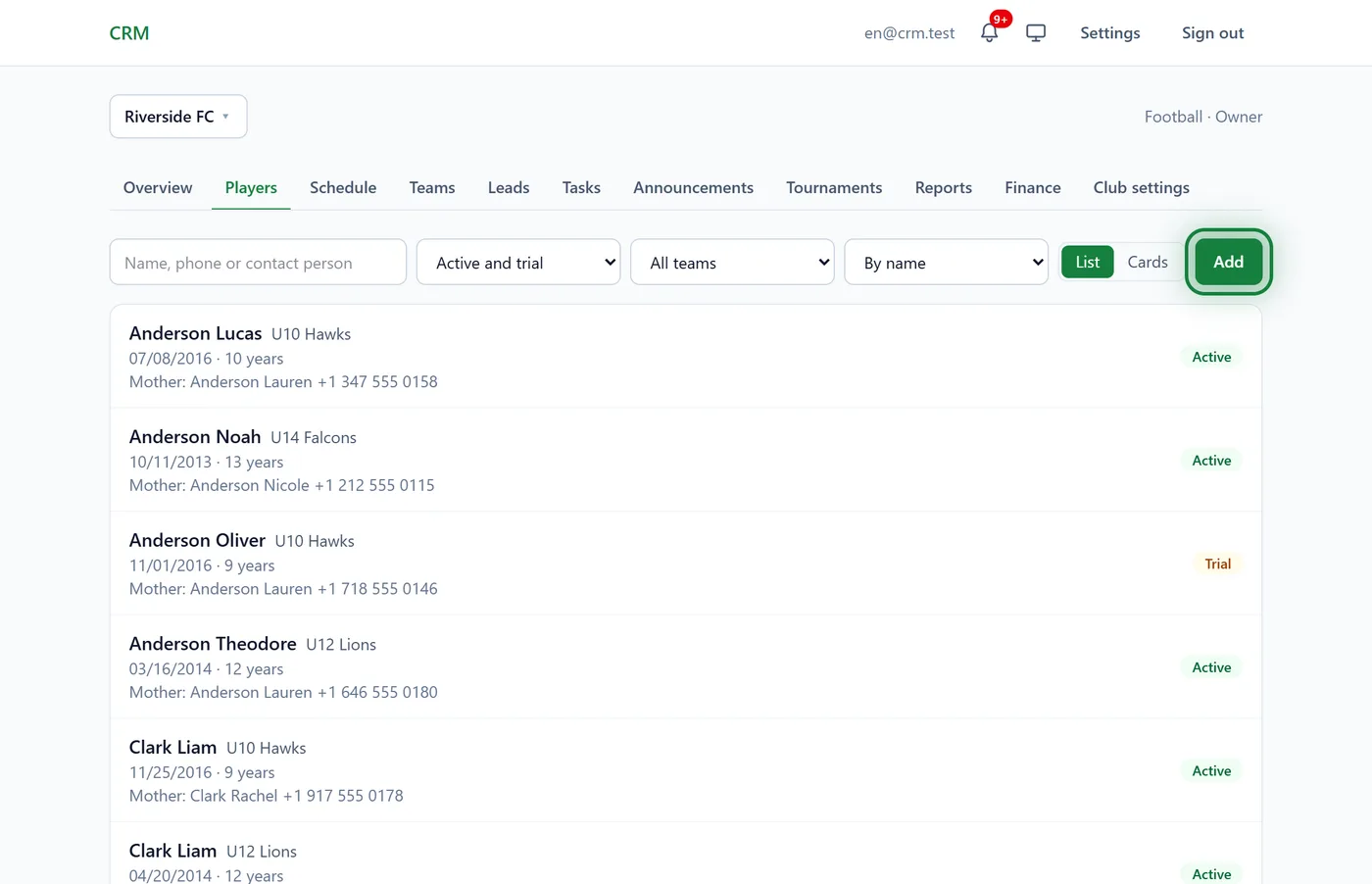
In New profile, fill in the Last name and First name: the only required fields. Then, as needed:
- Date of birth and Joined the club on;
- Status: see below;
- Extra profile fields: the club's own fields, such as position or kit size;
- Contacts, Physical data, Documents (medical certificate, insurance, licence) and a Note.
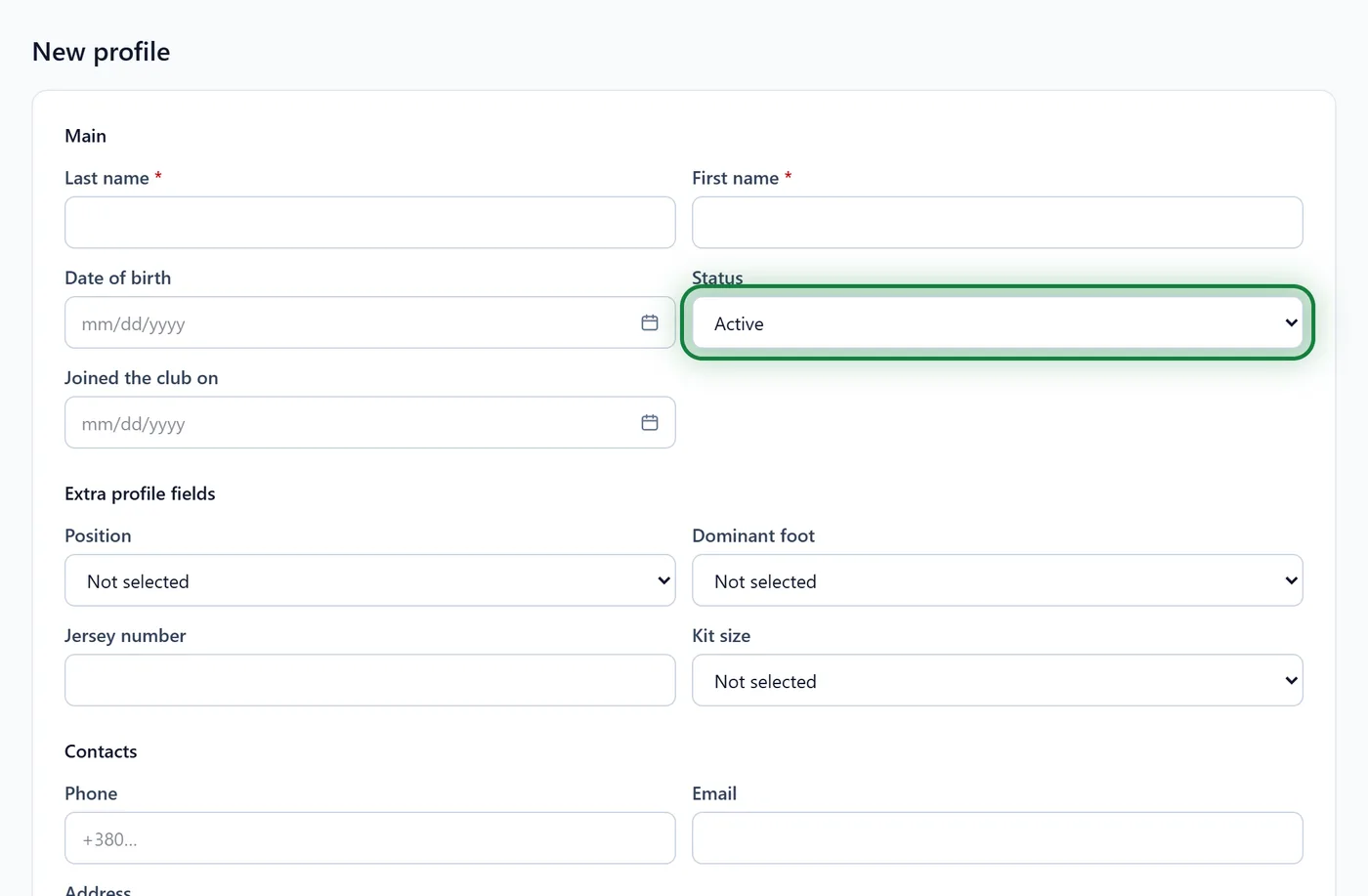
Click Save. The player's profile opens.
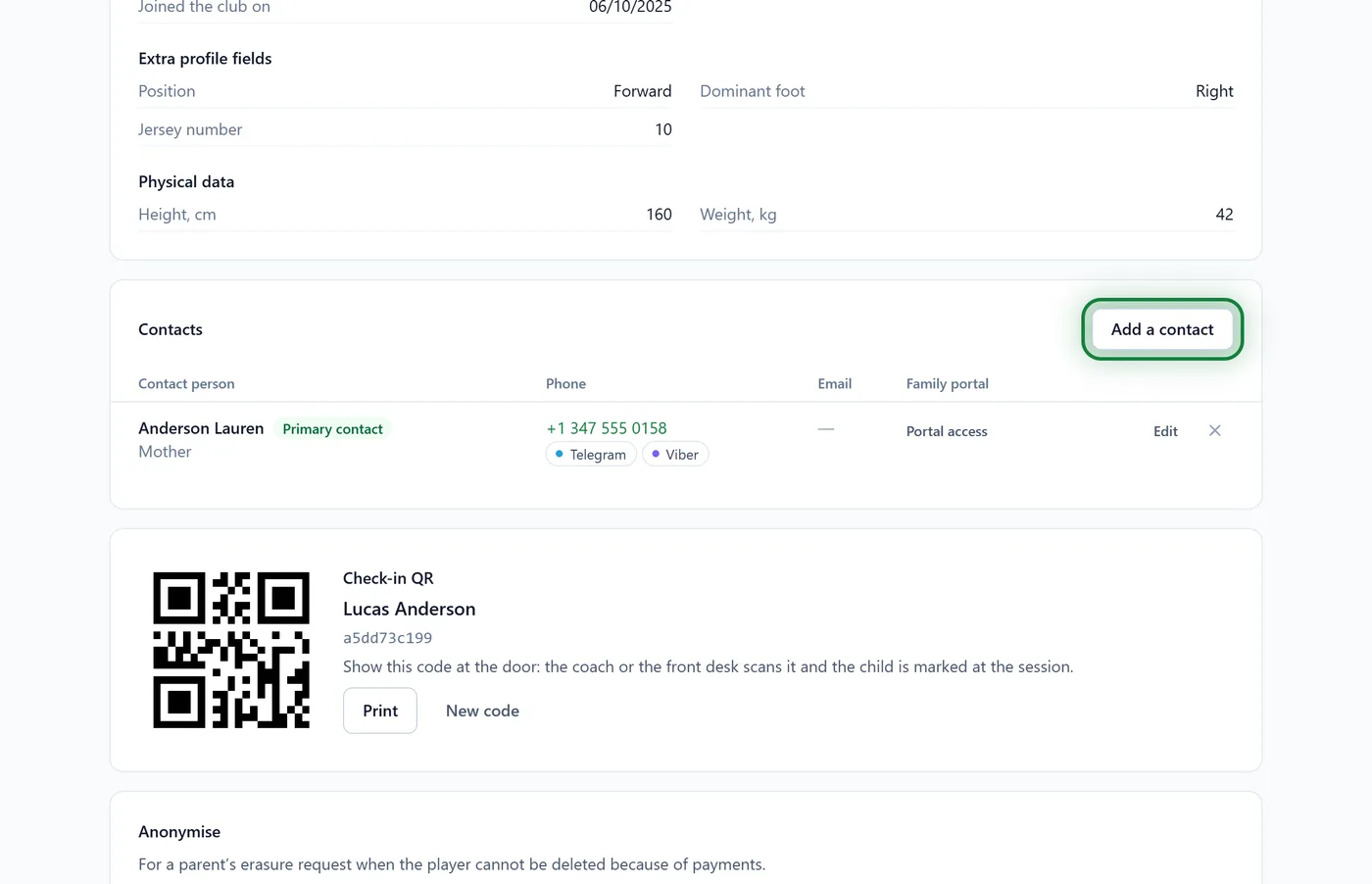
Under Contacts, click Add a contact. Enter the name, phone and email, tick the messengers the person uses and choose the Relation (mother, father, guardian…). Primary contact: call first marks who to ring first.
Put the player in a team: on the team's page, under Roster → Choose who to add → Add. See Teams and the schedule.
Statuses
- Active: training now.
- Trial: came for trial sessions.
- Archived: has left. The profile and its history stay, but the player is not in the usual list. To archive, open the profile → Edit → Status.
The player list shows Active and trial by default. Archived players are in the status filter: All, including archived.
Brothers and sisters
When you add a contact to the second child, choose the existing person under Who is it rather than "New person". Both children then share one contact, and the parent sees both in one portal.
Your own fields
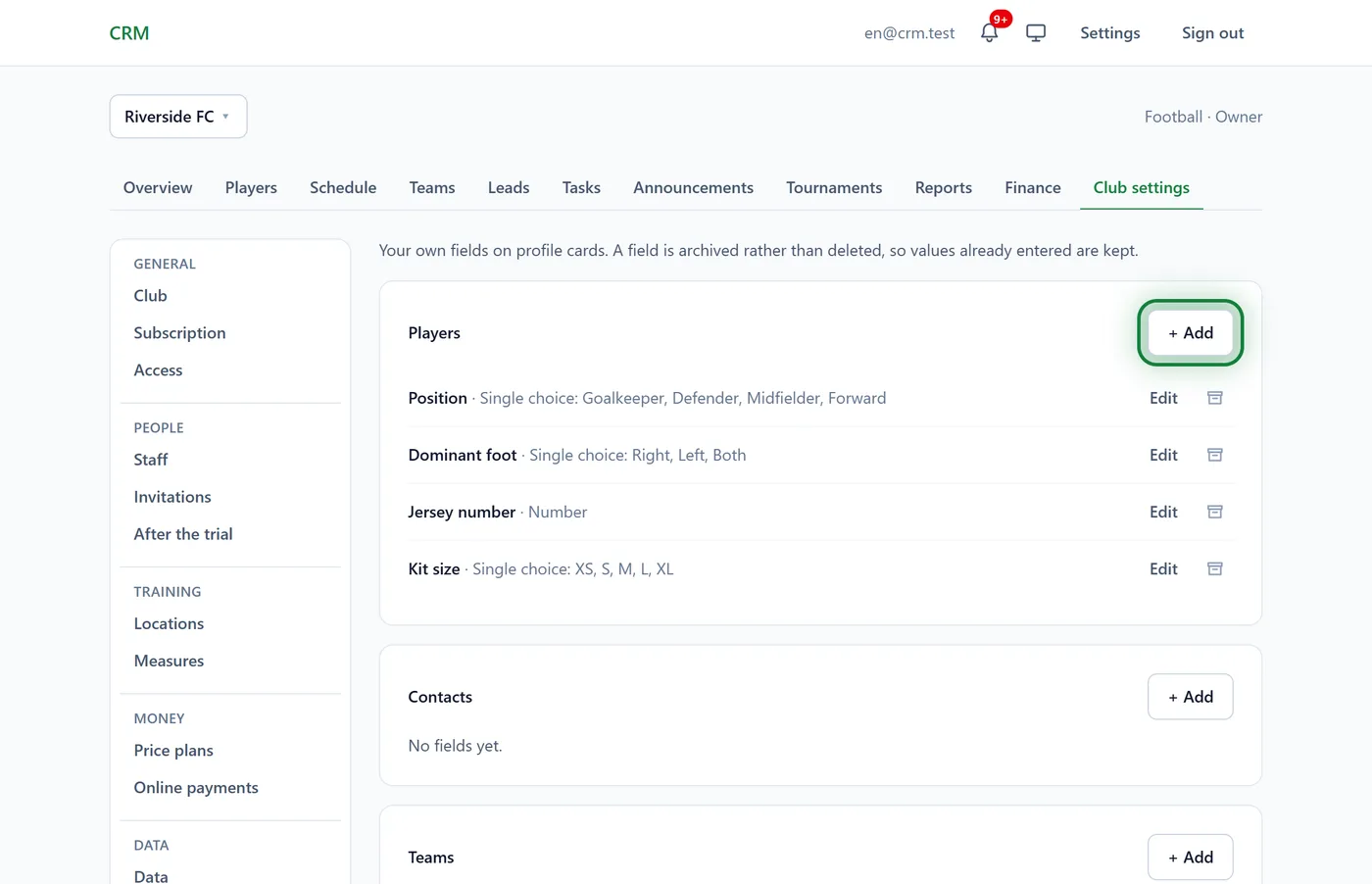
Need fields the form doesn't have? The owner or support adds them in Club settings → Custom fields: text, number, date, yes/no, single or multiple choice. Show to parents in the family portal decides whether parents see the field.
Tips
- If the club already has a player with the same name, Sport CRM says "The club already has a similar player". Check: the child may be in the archive. If it is someone else, click Add anyway.
- An adult player who is their own contact? On the profile, click Player is their own contact.
- In the Android app: the Players tab → the add button, the same form.
FAQ
Who can add players?
Any staff member, coaches included. Importing from Excel is for managers and the owner.
How do I delete a player?
Set a player who has left to Archived: their payments and attendance are kept. If the parents ask for the data to be erased, the profile has Anonymise.
It says "Your plan's limit of active players is reached"
You are at your plan's limit. Archive those who no longer train, or move to the Club or Academy plan.